
Video remains one of the most effective tools for building authentic connections online, with live streaming offering a direct line to your audience in real time. For small businesses, Facebook Live provides an accessible, high-engagement way to boost visibility, interact with followers, and build brand trust.
Whether you are launching a new product or hosting an informal Q&A, here is a step-by-step guide to planning, broadcasting, and getting the most out of Facebook Live.
1. Set Up a Plan
Before hitting the broadcast button, establish a clear purpose and outline for your session. While audience members appreciate the spontaneous, human side of live video—including minor unscripted moments—going in completely blind can lead to awkward lulls.
- Define your objective: Know what you want to achieve, who will be on camera, and what key takeaways your audience should receive.
- Prepare talking points: Draft compelling bullet points to keep the conversation moving smoothly rather than reading from a rigid script.
- Schedule in advance: Use Meta Business Suite to schedule your livestream up to 24 hours ahead of time so followers can set reminders and tune in on time.
2. Generate Interactive Content Ideas
Facebook Live works best when it encourages two-way communication. Consider these formats when planning your content strategy:
- Live Q&A sessions: Answer audience questions in real time as viewers drop them into the comment section.
- Team spotlights and interviews: Introduce leadership, employees, or guest experts to put human faces behind your brand and build consumer trust.
- Behind-the-scenes tours: Give viewers an insider look at your workspace, facility, or event setup.
- Crowdsourcing and feedback: Test new concepts, gather feedback on prospective logo designs, or gauge interest in upcoming products or services.
- Major announcements and events: Share major company updates, launch holiday promotions, or celebrate new business locations live with your community.
- Co-hosted broadcasts: Invite remote co-hosts or guest speakers to join your stream directly for joint discussions and panel sessions.
3. Choose Your Setup and Start Broadcasting
Modern Facebook Live supports both mobile and desktop setups depending on your production needs:
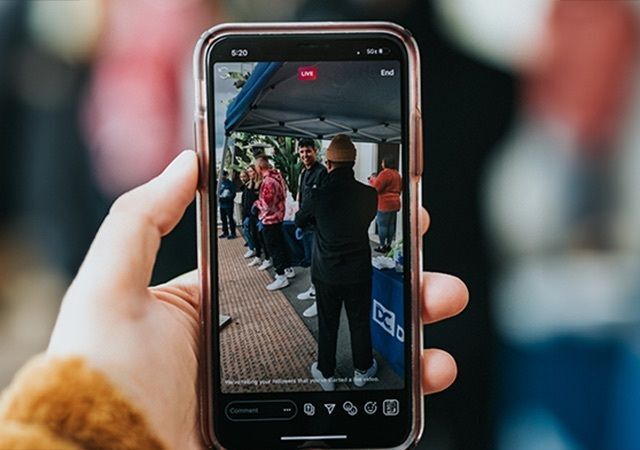
- Mobile broadcasting: Ideal for on-the-go content, walk-through tours, or quick informal updates directly from the Facebook app.
- Desktop broadcasting (Meta Live Producer): Best for structured webinars, presentations, or higher-production streams. Broadcasting from a desktop browser via Meta Live Producer allows you to connect external microphones and cameras, share your screen, run live polls, and pin featured product links during the stream.
4. Maximize Engagement and Repurpose Your Content
To maximize the value of your broadcast:
- Interact live: Pin key links in the comments, acknowledge viewers by name, and run live polls to keep the audience engaged throughout the broadcast.
- Include a clear CTA: Direct viewers to your website or invite them to follow your page for future updates.
- Repurpose footage: Once the stream closes, Facebook automatically saves the broadcast to your page. Edit key highlights into short-form Meta Reels or social clips to drive ongoing engagement long after the live stream ends.
When it comes to storytelling on social media, Facebook Live takes marketing to a whole new level. Live video offers fast, dynamic, and visual engagement that allows your company to build real trust and transparency with viewers. By utilizing this powerful tool, your small business can expand its reach, gain new followers, and turn casual viewers into loyal customers. So set up your camera, hit go live, and get streaming!
